Getting Started
Experience NoBase immediately and bring your ideas to life faster!
Login & Registration
Enter your phone number to receive a verification code and complete registration with one click. If you don't receive the verification code, you can try email registration.
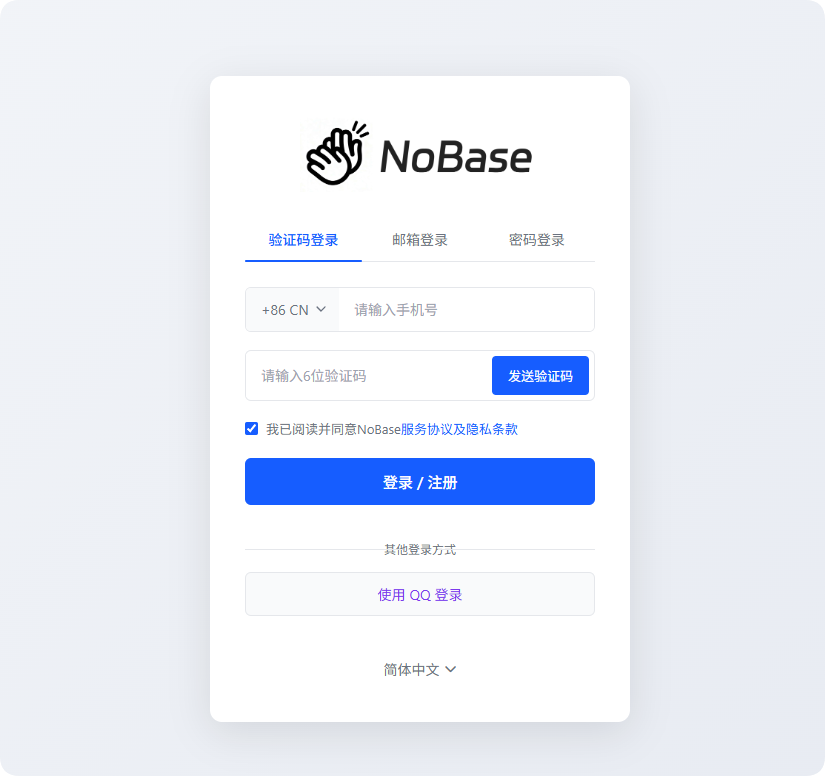
After logging in, first-time registrants will be prompted to set a password after entering the application homepage. 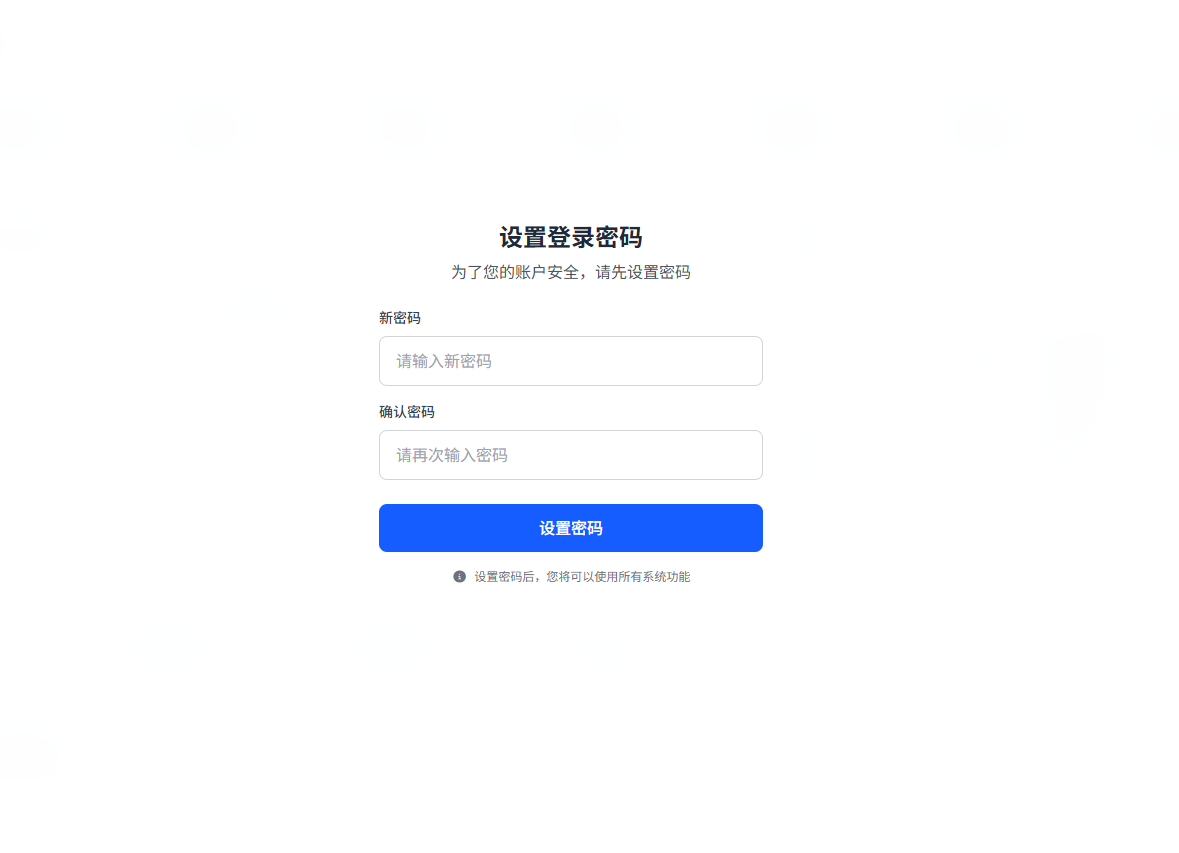
After setting the password, you can enter the application homepage. Next time you log in, you can directly use your phone number.
Data Dashboard
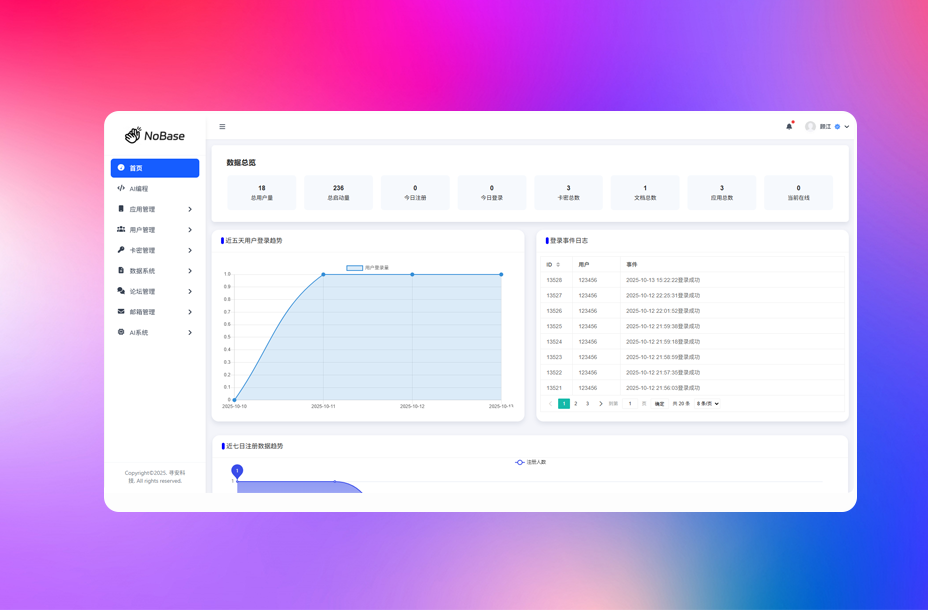
View operational status in real-time through the backend management system, displaying key metrics such as total users and total launches, providing API call records and recent registration trend charts to help operations staff quickly identify issues and adjust strategies in a timely manner.
Create Your First Project
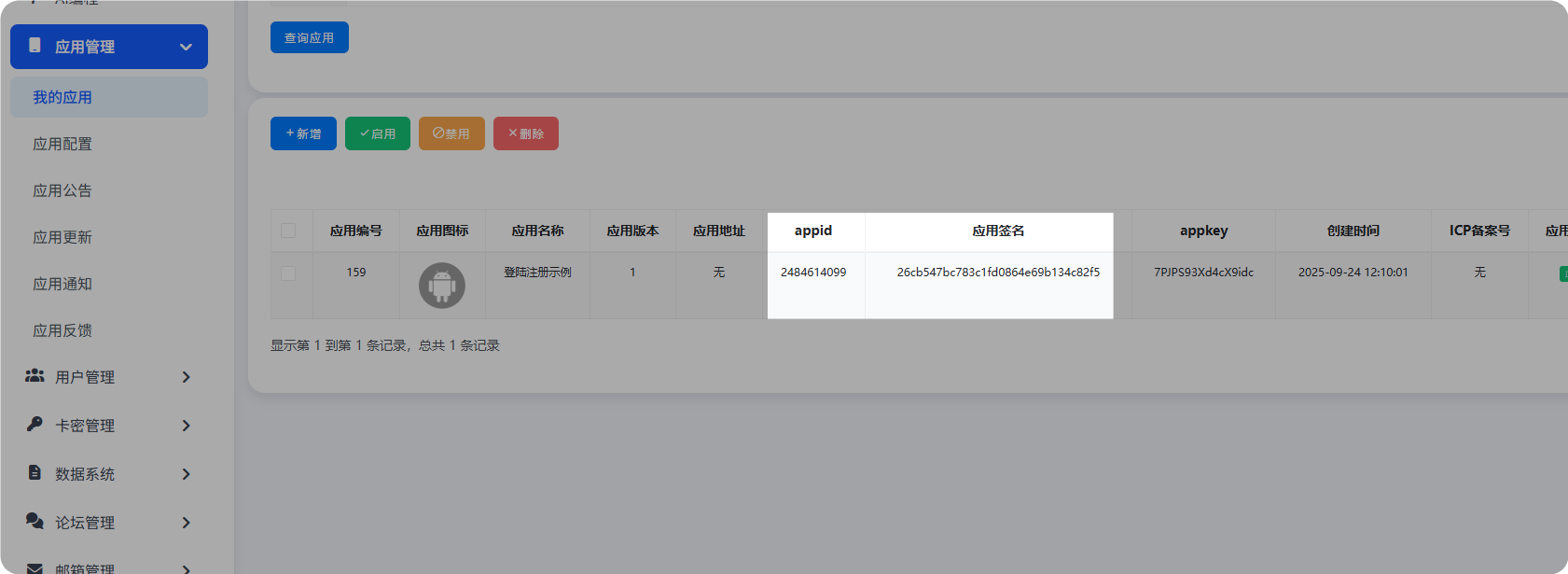
Open "App Management -> My Apps" to create your first application!
After creating a new app, the app information will appear. What we need for development are appid and signature.
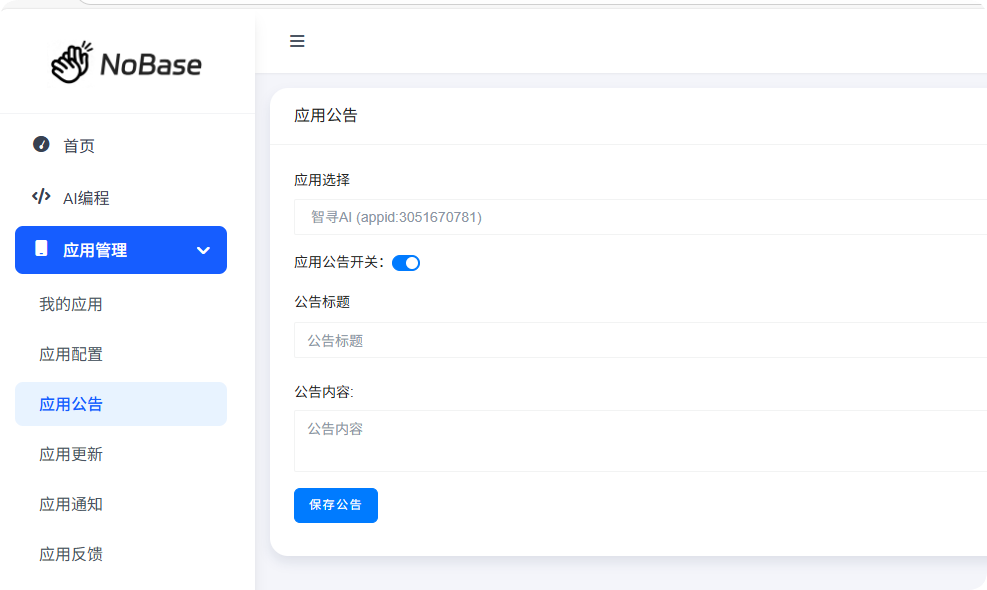
Here we use the app notice API as an example to demonstrate how to call the interface.
TIP
Please configure the notice information in the backend before integration.
App Notice API endpoint: https://nobase.cn/api/app/notice
Example Code
let appid = "";     // App ID
let sign = "";      // App Signature

let api = `https://nobase.cn/api/app/notice`     // API endpoint
let param = `?appid=${appid}&signature=${sign}`; // API parameters
let url = api + param;

fetch(url)
    .then(Response => Response.json())
    .then(data => alert(data));
Response Example
{
  "code": 200,
  "msg": "success",
  "data": {
    "title": "Notice Title",
    "content": "Notice Content",
    "show": 1
  }
}
INFO
It is recommended to use AI platforms for development, generating code based on documentation to improve development efficiency.
Technical Support
If you have technical questions or cooperation needs, you can directly add the CEO's enterprise WeChat for help, or join our official QQ Group.